How to Use DLSS 5 on Any Game
Luca Tarik 6 min read
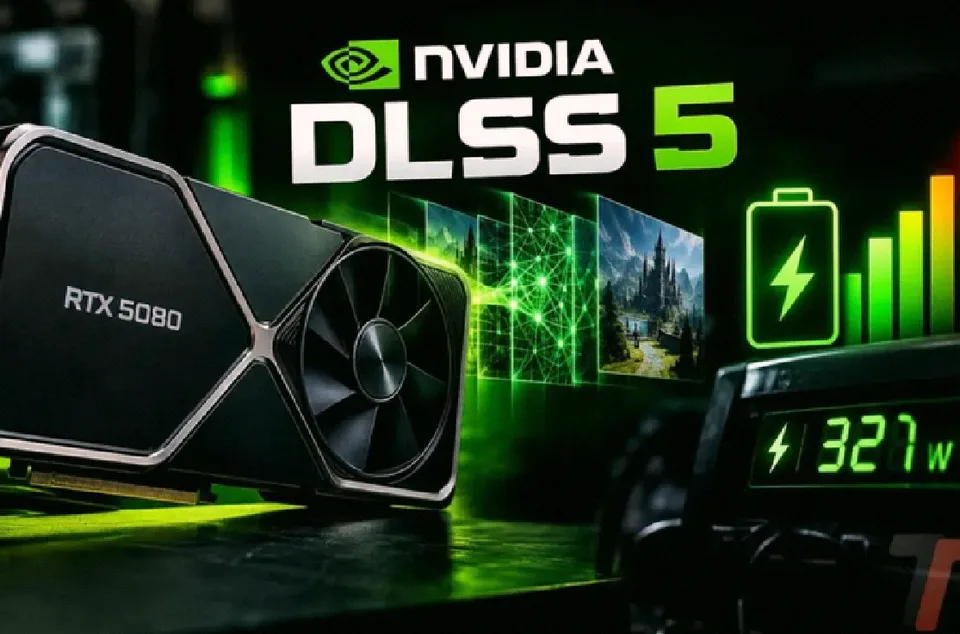
DLSS 5 changes game visuals by adding realistic lighting. It works on older GPUs too. Follow this guide to activate it.
If you want to try DLSS 5, you might be wondering if it only works on newer games. The short answer is no. You can activate it on almost any game, even with older GPUs like the RTX 40, 30, and 20. The easiest method for beginners is DLSS 5 AiO Swapper. This guide explains what it is, how it changes the look of your games, and exactly how to set it up.
What you're reading about is a neural rendering technology. Unlike previous versions, DLSS 5 doesn't just boost frame rates. Instead, it adds more realistic lighting and textures. You'll notice this effect most clearly on faces, skin tones, hair, and reflections. The trade-off is performance, but the newer model is much lighter than the earlier one.
If you're curious about the real-world impact, the results vary a lot depending on the game. The most important thing to understand is that DLSS 5 changes the style of a game, not just the image quality. This is especially true for older titles, where the effect feels like a filter replacing the original artistic vision.
What Is DLSS 5 and What Changes It
DLSS 5 is a neural rendering model that adds more realistic lighting and materials. The difference is noticeable mainly on faces, skin tones, hair, and reflections. In exchange for this, you pay a performance cost. The model was first announced by NVIDIA in early October, and it's lighter than the version released in September.
The experience differs greatly between games. The community has tested DLSS 5 across dozens of titles, and the outcome is often surprising. The most common observation is that the effect doesn't just improve the image; it changes its style. This is particularly true for older games, where the effect can feel like a filter.
How It Works in Games: User Impressions
The first impression of DLSS 5 varies by title. For games with already detailed characters, the effect performs well. Cyberpunk 2077 is a standout example, as are titles like Red Dead Redemption 2, The Last of Us Part II, Starfield, Silent Hill 2, and Black Myth: Wukong. On these, the effect feels subtle but impactful.
However, in older games, the transformation is more pronounced. Skyrim shows almost photorealistic faces with softer outlines, warmer skin tones, and more defined shadows. The catch is that the result often overshadows the original artistic direction. Performance drops to about 60 FPS during character creation and 45–50 FPS in the world.
Control is another heavy test. Here, DLSS 5 makes shadows deeper and softens the skin tone, altering the game's brutalist style. It's also one of the most demanding tests, with a modder measuring a drop from 71 to 35 FPS on an RTX 5070 Ti.
The newer model from October proved significantly faster. For example, it runs up to 90% quicker in The Witcher 3. So while FPS drops can be a concern, they are often more contained with the latest version.
What Is DLSS 5 AiO Swapper
DLSS 5 AiO Swapper is a free, open-source program hosted on GitHub. It consolidates several tools around DLSS 5 into a single application, including ReShade, RenoDX, DLSS5-Feeder, and OptiScaler. The reasons for choosing this tool are straightforward:
- It automatically finds games installed on Steam, Epic, GOG, Xbox, and Ubisoft Connect.
- It includes all necessary files, so you don't need to have NBA 2K27 installed.
- It is reversible: it saves the originals before making changes and restores them with a button.
Getting Started: Step-by-Step Installation
Follow these steps to activate DLSS 5 in your game.
- Download the program from the official GitHub link.
- Launch it. If Windows shows a "PC is protected by Windows Defender" message, click Unlock and then Run anyway.
- Select your game. The app displays installed games with covers. If your desired game isn't listed, use Add a game to select its folder.
- Install DLSS 5. With the game closed, open its settings in the app. Let the installation proceed automatically: Native DLSS for games that support it natively, or Feeder for others. Click Install DLSS 5 and wait for confirmation.
- Activate it in the game. Start the game and enable DLSS in the graphics settings. This step is required for games with native support. Then:
- Press Home to open the ReShade menu.
- Go to Add-ons and ensure DLSS Neural Rendering is enabled.
- Improve fluid performance. To compensate for FPS drops, enable Frame Generation, if supported, and set DLSS to Balanced or Performance modes.
How to Revert Changes
To undo a DLSS 5 installation, press Restore originals in the game's settings. Also, don't delete the _DLSS5_Backup folder the program creates in the game's directory. This folder contains the original files.
Common Issues
Nothing Changed After Installation
The most common issue is the NVIDIA driver. Not all versions work with the mods, and the situation changes frequently. If you see a warning, check the recommended driver in the latest version notes on GitHub.
Antivirus Blocks a File
Windows Defender can flag the F8 panel, which isn't digitally signed. It's an optional panel, so you can install DLSS 5 without it and use the Home menu in ReShade instead.
Game Won't Start or Crashes
Use Restore originals and test with another game. Compatibility varies by title. The Community section in the app lists other users with working games and video settings.
The Official Alternative
For full NVIDIA support, you need an RTX 50. Update the driver, install NBA 2K27, and enable DLSS Neural Rendering in the video settings. Without an RTX 50, you can use GeForce NOW Ultimate, which streams games from servers featuring RTX 5080 GPUs. In both cases, you need to purchase the game.
FAQ
Does DLSS 5 Work on RTX 4090, 4070, or 3080?
No, NVIDIA supports it officially only on RTX 50. With DLSS 5 AiO Swapper, it works on RTX 20, 30, and 40, but without official support.
Can It Be Used in Online Games?
No. Anti-cheat systems can block the game or lead to account bans. Use it only in single-player, offline games.
Is It an Official Solution?
No. It relies on files extracted from NBA 2K27, so NVIDIA provides no support. The effect is also applied generically, whereas in games with native support it is tuned by developers.
When Will DLSS 5 Be Available in Other Games?
Hogwarts Legacy is arriving on November 5, and Where Winds Meet in late November. Other announced titles like Starfield, Assassin's Creed Shadows, and Resident Evil Requiem have not yet received a date.
Conclusion
DLSS 5 is a powerful tool for improving the visual quality of your games, even on older GPUs. The key is understanding that it changes the look rather than just the frame rate. By using DLSS 5 AiO Swapper, you can experiment safely without needing a flagship NVIDIA card. Remember to keep your drivers updated and always have a revert option ready. Happy gaming!